

Live FundingInvitation-only real-money accounts: how you are called, what moves with you, how your Live account works and how you withdraw.
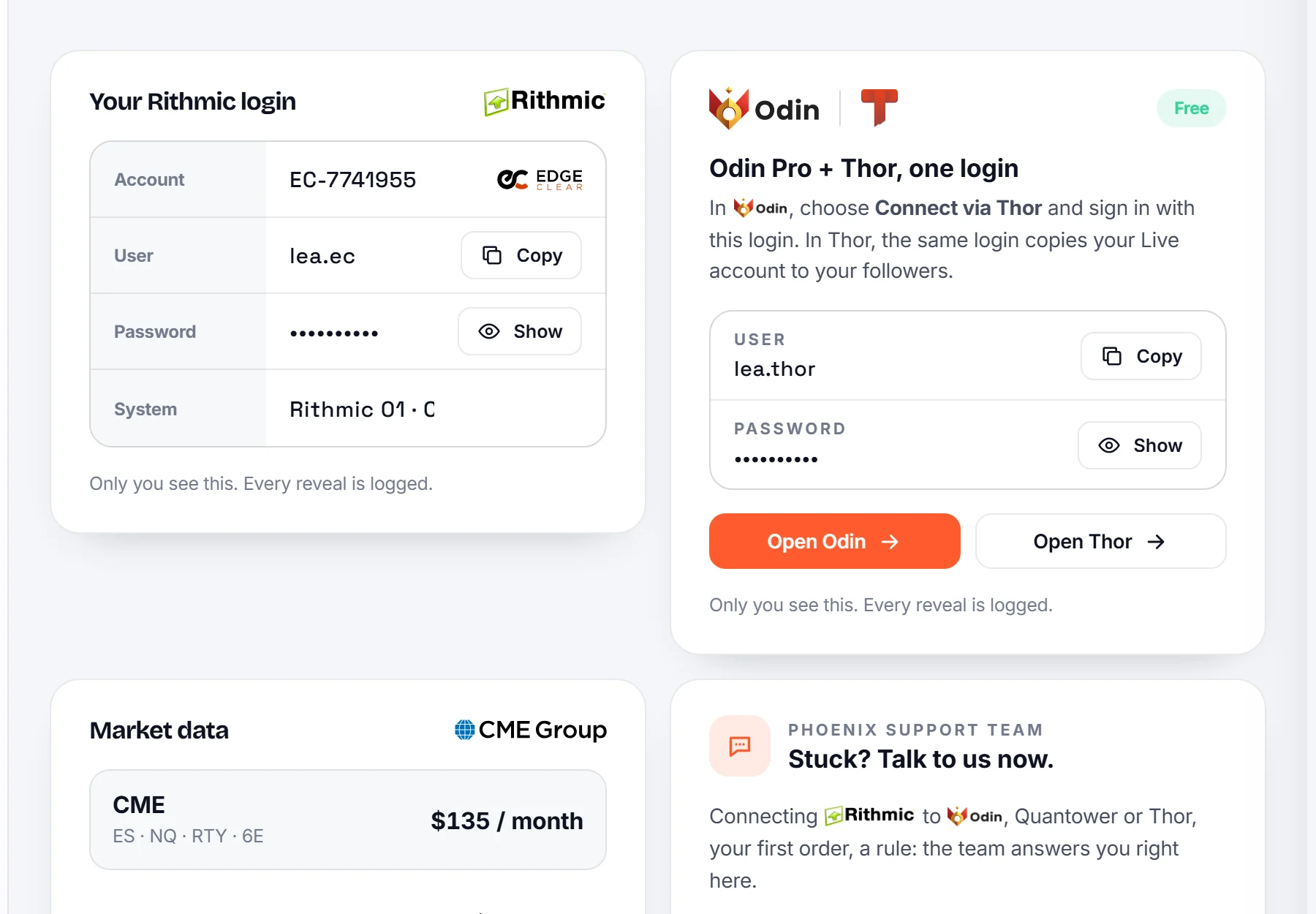
EdgeClear opens your account and Rithmic connects it to the market. When your logins are ready, your Rithmic login appears on your Live Desk: your user name, the Rithmic system and the gateway to pick.
Before you connect anything: sign the CME market data as PROFESSIONAL. Open the Rithmic agreements page (signup.rithmic.com/Rithmic01Agreements/apps.html), sign in with your Rithmic login and sign the CME market data agreement as Professional. On prop-firm sim accounts you always pick Non-Professional; this is a real account at a broker, so it is the opposite.
- Your passwords stay hidden until you reveal them, and every reveal is recorded.
- Odin Pro and the Thor Trade Copier are included, free, with one login of their own. It comes by email and shows on your Live Desk.
- In Odin, choose Connect via Thor and sign in with that login. In Thor, the same login copies your Live account to your followers.
Was this article useful?
Can't find what you're looking for? Contact us